ChatGPT is great. Until you realize you're re-explaining your context every single conversation. "I'm a founder working on X. My team is Y. We use Z stack. Our customers are..." You've typed that 50 times. The AI never remembers.
That's not a personal assistant. That's a very smart parrot.
What "Personal" Actually Means
A truly personal AI assistant has three characteristics:
1. Persistent Memory
It remembers past conversations, decisions, and preferences. Not just within a session - across weeks and months.
2. Contextual Awareness
It knows your current projects, deadlines, and priorities without you restating them.
3. Behavioral Adaptation
It learns how you work and adjusts its responses accordingly. If you prefer bullet points over paragraphs, it figures that out.
Why Generic AI Falls Short
Generic AI (ChatGPT, Claude, etc.) is trained on the entire internet. That's powerful for general knowledge. But it knows nothing about you. Every conversation starts from zero. You're constantly providing context that should already exist. It's like having an assistant with amnesia.
Talented, but exhausting.
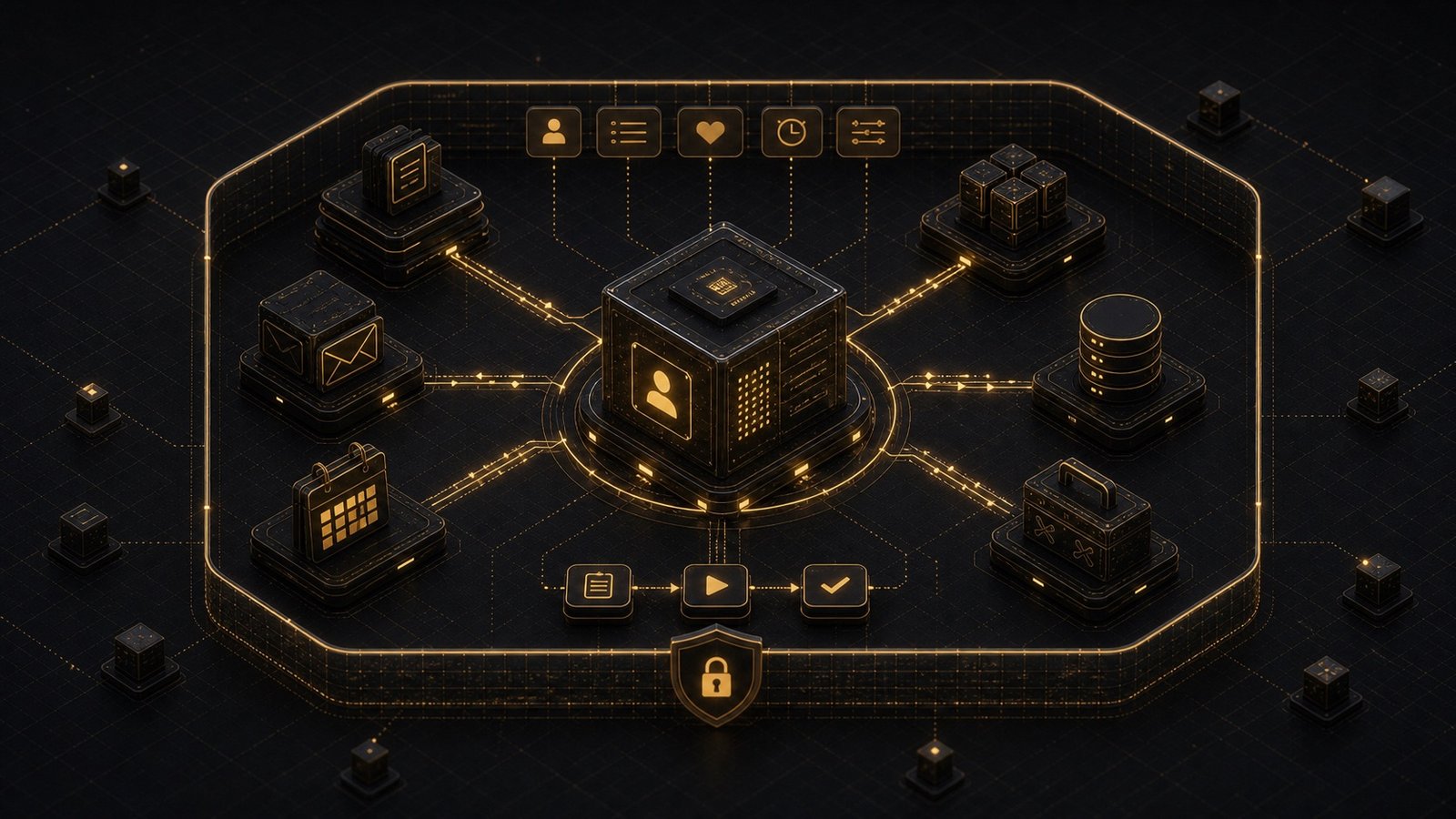
The Architecture of Personal AI
Here's what a personal AI system needs:
┌─────────────────────────────────────┐
│         User Interface              │
│  (Chat, voice, integrations)        │
└──────────────┬──────────────────────┘
               │
┌──────────────▼──────────────────────┐
│      Orchestration Layer            │
│  (Routes requests, manages state)   │
└──────────────┬──────────────────────┘
               │
    ┌──────────┼──────────┐
    │          │          │
┌───▼───┐  ┌──▼───┐  ┌──▼────┐
│Memory │  │ AI   │  │ Tools │
│ Store │  │Models│  │ & APIs│
└───────┘  └──────┘  └───────┘
Memory Store
This is where personalization lives. It stores:
- Conversation history
- User preferences
- Project context
- Decision patterns
AI Models
The reasoning engine. Could be GPT-4, Claude, or a mix. The key: it's augmented with your personal context from the memory store.
Tools & APIs
Connections to your actual work environment:
- Calendar
- Project management tools
- Code repositories
- Document storage
The Memory Problem
Memory is the hardest part. You can't just dump everything into context - token limits exist, and more context ≠ better responses. You need selective memory. The AI should remember:
- Episodic memory: Specific past interactions
- Semantic memory: General facts about you
- Procedural memory: How you prefer things done
Example:
# Simplified memory structure
user_memory = {
  "episodic": [
    {"date": "2026-01-15", "topic": "Q1 planning", "key_decisions": [...]},
    {"date": "2026-01-20", "topic": "Hiring", "preferences": [...]}
  ],
  "semantic": {
    "role": "Founder",
    "company": "Acme Corp",
    "tech_stack": ["Python", "React", "PostgreSQL"],
    "communication_style": "direct, bullet points"
  },
  "procedural": {
    "email_drafting": "Start with context, keep under 200 words",
    "code_review": "Focus on architecture, not syntax"
  }
}
When you ask a question, the system:
- Retrieves relevant memories
- Injects them into the AI's context
- Generates a response that reflects your history
Building Your Own vs. Using a Platform
Building your own:
- Pro: Complete control over memory and behavior
- Pro: Can integrate deeply with your specific tools
- Con: Requires technical expertise
- Con: Ongoing maintenance
Using a platform:
- Pro: Faster to set up
- Pro: Pre-built integrations
- Con: Less customization
- Con: Your data lives on their servers
For most people, a custom-built system makes sense if:
- You have specific workflows that generic tools don't support
- You need deep integration with proprietary systems
- You want full control over your data
A Real Implementation
I built a personal AI assistant for a client who runs a consulting firm. Here's what it does:
Morning briefing:
- Reviews calendar for the day
- Summarizes overnight emails
- Flags urgent items based on learned priorities
During meetings:
- Takes notes automatically
- Extracts action items
- Updates project tracker
End of day:
- Drafts follow-up emails
- Updates client status reports
- Suggests tomorrow's priorities
All of this is personalized. It knows:
- Which clients are high-priority
- How he prefers emails structured
- What level of detail he wants in reports
Result: He saves 90 minutes per day on administrative work.
The Privacy Question
Personal AI requires personal data. That's unavoidable. The question is: where does that data live?
Option 1: Cloud-based
Your data lives on someone else's servers (OpenAI, Anthropic, etc.)
- Pro: Easy to set up
- Con: Privacy concerns
Option 2: Self-hosted
You run the AI on your own infrastructure
- Pro: Full data control
- Con: More complex, potentially slower
Option 3: Hybrid
Sensitive data stays local, non-sensitive goes to cloud
- Pro: Balance of convenience and privacy
- Con: Requires careful architecture
I generally recommend hybrid for most use cases. Keep PII and proprietary information local. Use cloud APIs for general reasoning.
Starting Small
You don't need to build everything at once. Start with one workflow:
- Pick a repetitive task (e.g., email triage, meeting prep)
- Define the context the AI needs (calendar, past emails, preferences)
- Build the memory layer for that specific use case
- Test and refine based on actual usage
Once that works, expand to the next workflow.
What Comes Next for Personal AI
We're moving from "AI as a tool" to "AI as a colleague." The difference:
- Tool: You tell it exactly what to do each time
- Colleague: It knows your goals and figures out how to help
Personal AI is the bridge. It's not AGI. It's not sentient. But it's smart enough to handle the cognitive load you shouldn't be carrying.
Want a personal AI assistant built around your workflows? Let's talk.