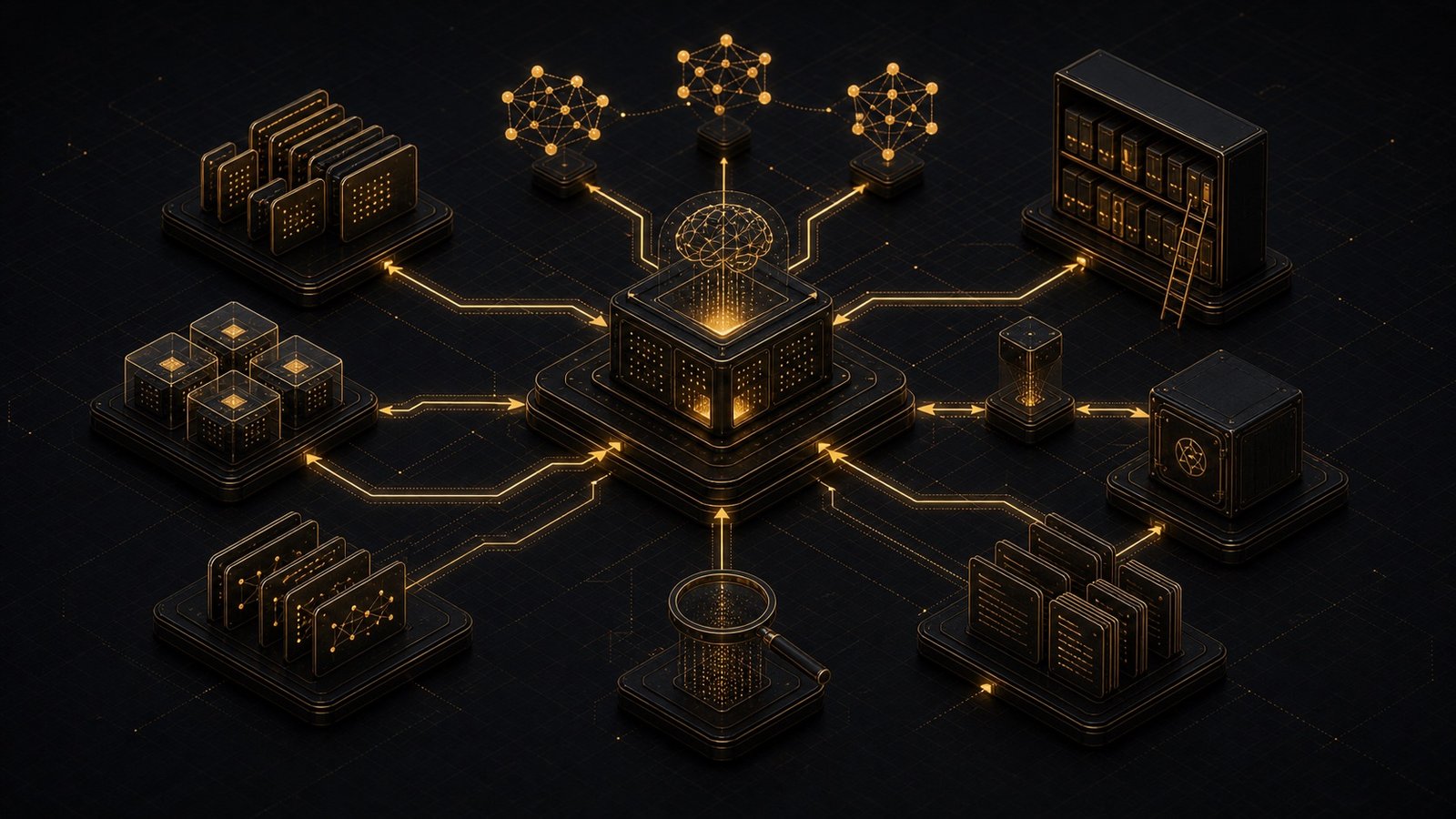
You've had brilliant ideas. In the shower. During a walk. Right before sleep. Most of them are gone now. Not because you're forgetful. Because capturing, organizing, and retrieving knowledge is hard. That's what a digital second brain solves.
What Is a Digital Second Brain?
A digital second brain is a system that:
- Captures information from multiple sources
- Organizes it in a way that reflects how you think
- Retrieves relevant knowledge when you need it
It's not just a note-taking app. It's an extension of your cognition.
Why Traditional Tools Fall Short
You probably have:
- Scattered notes across apps
- Unvisited bookmarks you never revisit
- Lost documents you can't find when you need them
The problem isn't the tools. It's that information capture and information retrieval are different problems. Most tools optimize for capture (easy to save). Few optimize for retrieval (easy to find later).
The Three Layers of a Second Brain
1. Capture Layer
Information comes from everywhere:
- Web articles
- Meeting notes
- Voice memos
- Code snippets
- Email threads
Your system needs to ingest all of this without friction. If capturing takes effort, you won't do it.
2. Organization Layer
This is where most people get stuck. How do you organize information so it's findable later? Two approaches:
Hierarchical (folders)
- Pro: Familiar, structured
- Con: Information often fits multiple categories
Networked (links)
- Pro: Reflects how ideas actually connect
- Con: Can become chaotic without discipline
The best systems use both. Hierarchies for structure. Links for connections.
3. Retrieval Layer
This is where AI shines. Instead of remembering where you saved something, you ask: "What did I learn about agentic orchestration last month?" The system searches your notes, highlights relevant passages, and surfaces connections you forgot existed.
The AI-Assisted Second Brain
Traditional second brains (Notion, Obsidian, Roam) require manual organization. You decide where things go. You create the links.
AI-assisted second brains do this automatically.
Here's how:
# Simplified example
def process_new_note(note_content):
    # Extract key concepts
    concepts = ai.extract_concepts(note_content)

    # Find related existing notes
    related_notes = vector_db.search(note_content, top_k=5)

    # Suggest connections
    suggested_links = ai.suggest_connections(concepts, related_notes)

    # Auto-tag
    tags = ai.generate_tags(note_content)

    return {
        "concepts": concepts,
        "related": related_notes,
        "suggested_links": suggested_links,
        "tags": tags
    }
When you save a note, the system:
- Extracts key concepts
- Finds related notes you've already written
- Suggests connections
- Auto-tags for future retrieval
You still review and approve. But the cognitive load of organization is handled.
The Memory Architecture
A second brain needs more than just storage. It needs semantic understanding. Traditional search looks for keyword matches. Semantic search understands meaning. Example:
- You search: "how to reduce cognitive load"
- Traditional search: Finds notes with those exact words
- Semantic search: Also finds notes about "decision fatigue," "mental bandwidth," "automation"
This requires vector embeddings - a way to represent text as numbers that capture meaning.
# Conceptual example
from openai import OpenAI

client = OpenAI()

# Convert text to vector
def embed_text(text):
    response = client.embeddings.create(
        model="text-embedding-3-small",
        input=text
    )
    return response.data[0].embedding

# Search for similar content
def semantic_search(query, note_database):
    query_vector = embed_text(query)

    # Find notes with similar vectors
    results = note_database.similarity_search(query_vector, top_k=10)

    return results
Now your second brain understands context, not just keywords.
Building Your Own Second Brain
You don't need to build everything from scratch. Here's a practical stack:
Capture:
- Browser extension for web clipping
- Voice-to-text for quick thoughts
- Email integration for important threads
Storage:
- Markdown files (portable, future-proof)
- Vector database (for semantic search)
- Metadata store (tags, dates, sources)
Retrieval:
- AI-assisted search
- Daily review prompts
- Automatic resurfacing of old notes
Tools:
- Obsidian (local-first notes)
- Pinecone or Weaviate (vector database)
- GPT-4 or Claude (AI layer)
The Daily Workflow
Here's how a second brain fits into your day:
Morning:
- System surfaces 3 relevant notes from your past
- Based on your calendar and current projects
During the day:
- Quick capture via voice, browser, or mobile
- System auto-organizes in the background
Evening:
- Review new connections the AI found
- Approve or reject suggested links
Weekly:
- Synthesize patterns across your notes
- Generate summaries of what you learned
The Compounding Effect
The value of a second brain grows over time. After 1 month: You have a searchable archive. After 6 months: You start seeing patterns. After 1 year: You have a knowledge base that reflects how you think. It's not about remembering everything. It's about externalizing memory so your brain can focus on thinking.
Real-World Example
I worked with a researcher who had 10 years of notes across multiple tools. Brilliant insights, completely inaccessible. We built a second brain system that:
- Imported all historical notes
- Generated embeddings for semantic search
- Automatically linked related concepts
- Surfaced relevant past research when writing new papers
Result: He found connections between projects from 5 years apart. Published two papers based on rediscovered insights.
The Privacy Consideration
Your second brain contains your thoughts. That's sensitive. Options:
1. Fully local
- All data stays on your machine
- Use local AI models (Llama, Mistral)
- Pro: Complete privacy
- Con: Less powerful AI
2. Encrypted cloud
- Data syncs across devices
- Encrypted at rest and in transit
- Pro: Accessible anywhere
- Con: Still relies on a third party
3. Hybrid
- Sensitive notes stay local
- General knowledge can use cloud AI
- Pro: Balance of privacy and power
- Con: More complex setup
I recommend hybrid for most people. Keep personal reflections local. Use cloud AI for general knowledge work.
Starting Your Second Brain
Don't try to build everything at once. Start with:
- Choose a capture tool (Obsidian, Notion, plain text)
- Set up a daily capture habit (5 minutes at end of day)
- Add semantic search (using embeddings)
- Review weekly to reinforce connections
The system grows with you.
What Comes Next for Second Brains
We're moving toward ambient capture - systems that automatically record and organize without manual input. Imagine:
- Conversations auto-transcribed and summarized
- Articles you read automatically saved and linked
- Ideas you mention in meetings captured and organized
The technology exists. The challenge is building it in a way that feels helpful, not invasive.
Want a second brain system built around how you think? Let's talk.