You've got ChatGPT for writing. Claude for analysis. Midjourney for visuals. Maybe a custom GPT or two. Each one is powerful on its own. But here's the problem: they don't work together. You're copying and pasting between tools. Manually triggering workflows.
Remembering which AI is best for which task. It's cognitive overhead disguised as productivity.
What Is Agentic Orchestration?
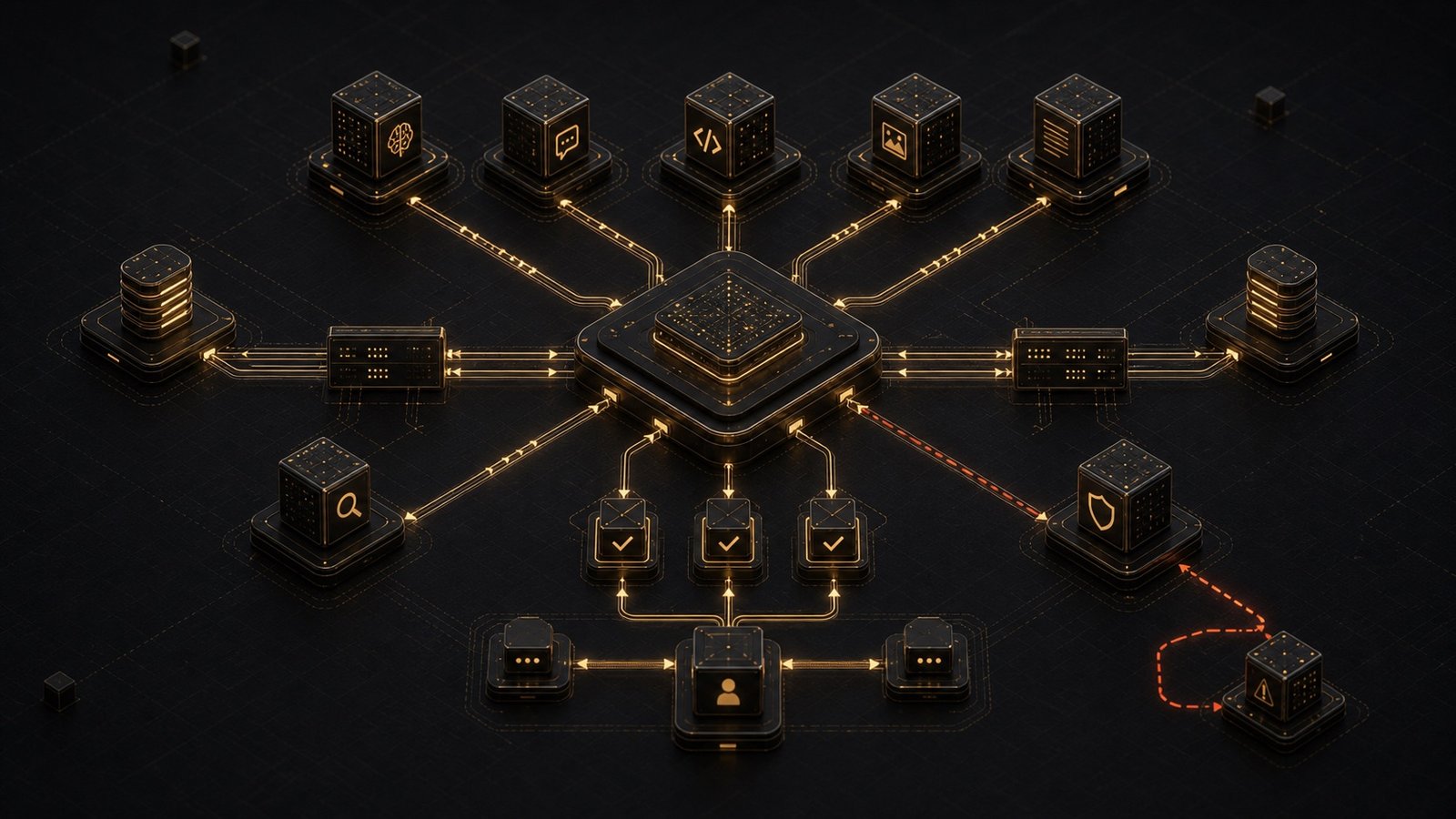
Agentic orchestration is the layer that sits above your AI tools and coordinates them intelligently. Think of it as a conductor for an orchestra. Each instrument (AI tool) is talented. But without coordination, you get noise instead of music. An orchestration layer:
- Routes tasks to the right AI based on context
- Chains operations across multiple tools automatically
- Maintains state so context doesn't get lost between steps
- Handles failures gracefully when a tool is unavailable
Why This Matters Now
The number of AI tools has multiplied. Three years ago, you had one or two options. Today, there are hundreds of specialized models, each with different strengths:
- GPT-4 for reasoning and planning
- Claude for long-context analysis
- Llama for on-device privacy
- Specialized models for code, images, audio, video
Without orchestration, you're the bottleneck. You decide which tool to use. You move data between them. You remember what worked last time.
Agentic orchestration removes you from that loop.
A Real Example
Let's say you're preparing a client proposal. Without orchestration:
- Draft outline: You ask ChatGPT to draft an outline
- Deeper analysis: Copy that into Claude for deeper analysis
- Create visuals: Use Midjourney to create visuals
- Assemble document: Manually assemble everything in a doc
- Proofread and format: Proofread and format
With orchestration:
# Simplified example - not production code
orchestrator.run_workflow({
  "task": "Create client proposal",
  "inputs": {
    "client_name": "Acme Corp",
    "project_scope": "AI assistant for customer support"
  },
  "steps": [
    {"agent": "gpt4", "action": "generate_outline"},
    {"agent": "claude", "action": "expand_sections"},
    {"agent": "image_gen", "action": "create_diagrams"},
    {"agent": "formatter", "action": "assemble_document"}
  ]
})
You describe the outcome. The system figures out the steps.
The Three Layers of Orchestration
1. Task Routing
The orchestrator needs to know which AI is best for which job. This isn't static - it adapts based on:
- Task complexity
- Required context window
- Cost constraints
- Latency requirements
2. State Management
Context needs to flow between agents. If Agent A generates an outline, Agent B should see that outline - not start from scratch. This is harder than it sounds. Each AI has different input formats, token limits, and context handling.
3. Error Handling
APIs go down. Rate limits hit. Models hallucinate. A good orchestration layer handles this gracefully:
- Retry with exponential backoff
- Fall back to alternative models
- Surface errors that need human judgment
Building vs. Buying
You have three options: 1. Manual orchestration (what most people do)
- Pro: No code required
- Con: You're the orchestrator. Doesn't scale.
2. Custom orchestration layer
- Pro: Built around your workflows
- Con: Requires engineering effort and ongoing maintenance
3. Orchestration platform
- Pro: Pre-built integrations, maintained by someone else
- Con: Less flexibility, recurring cost
For most solo founders and small teams, custom orchestration hits the sweet spot. You're not building a general-purpose platform - you're building the 3-5 workflows that matter for your specific work.
What This Looks Like in Practice
I worked with a legal tech startup that was using 6 different AI tools. Their team spent 40% of their time moving data between them. We built a simple orchestration layer:
- Intake agent triaged incoming requests
- Research agent pulled relevant case law
- Drafting agent generated initial documents
- Review agent checked for inconsistencies
Same AI tools. Same team. But now the tools worked together instead of in isolation. Result: 40% time savings turned into 40% more client work.
The Orchestration Mindset
Here's the shift: stop thinking about individual AI tools. Start thinking about workflows. Ask yourself:
- What's the end-to-end process?
- Where do I manually move information between tools?
- Which steps could run automatically if the tools could talk?
That's where orchestration adds value.
Next Steps
If you're serious about this:
- Map your workflows - Write down the steps you repeat weekly
- Identify handoffs - Where do you copy/paste between tools?
- Start small - Pick one workflow. Automate the handoffs.
You don't need a complex system. You need the right tools talking to each other at the right time. That's agentic orchestration.
The strongest orchestration work starts with AI-ready infrastructure: known data boundaries, identity, logs, and recovery before agents start moving work across tools.
Want help building an orchestration layer for your specific workflows? Let's talk.